Stop drawing diagrams by hand.
We're a branding studio in Seoul. We turn the charts designers keep rebuilding — org charts, Venns, 2x2 maps, pyramids — into components you edit from the property panel.
Browse on Framer Marketplace- 4 free components
- 0 lines of code to edit
- Updates with one click
The shelf
Each one lays itself out from simple inputs — a list of names, a few X/Y values, a stack of levels.
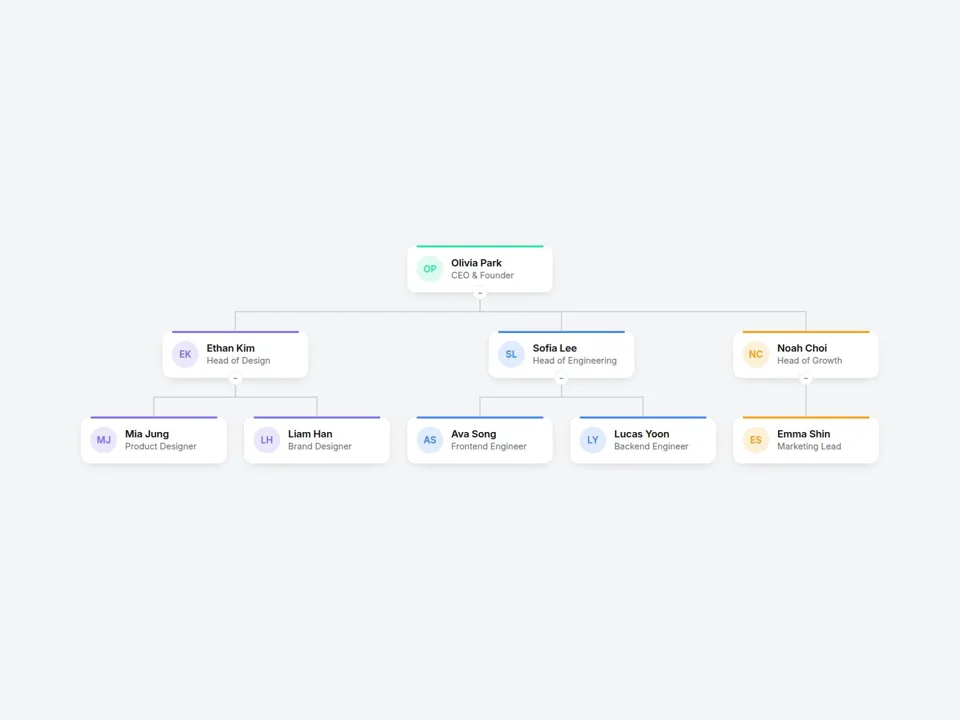
Org Chart
Type who reports to whom. The tree, lines and spacing build themselves — collapsible, and it fits on mobile.
View on Marketplace →
Reviews Pro
Rating summary plus a review carousel or masonry wall, with review structured data built in.
Launching soon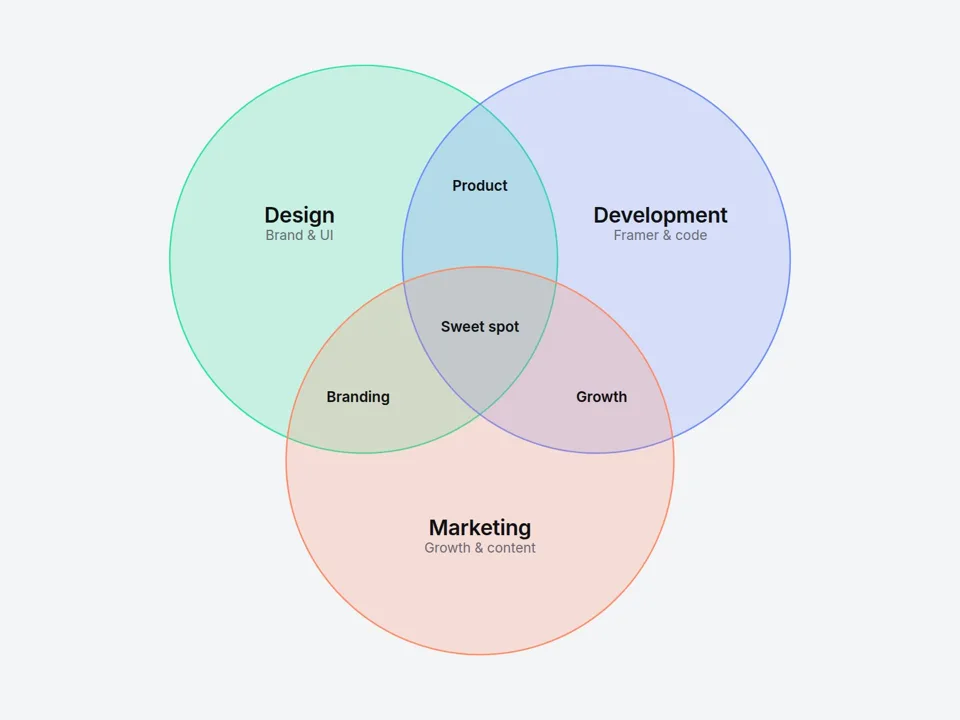
Venn Diagram
Name every overlap. Visitors hover or tap any area and the caption explains it.
View on Marketplace →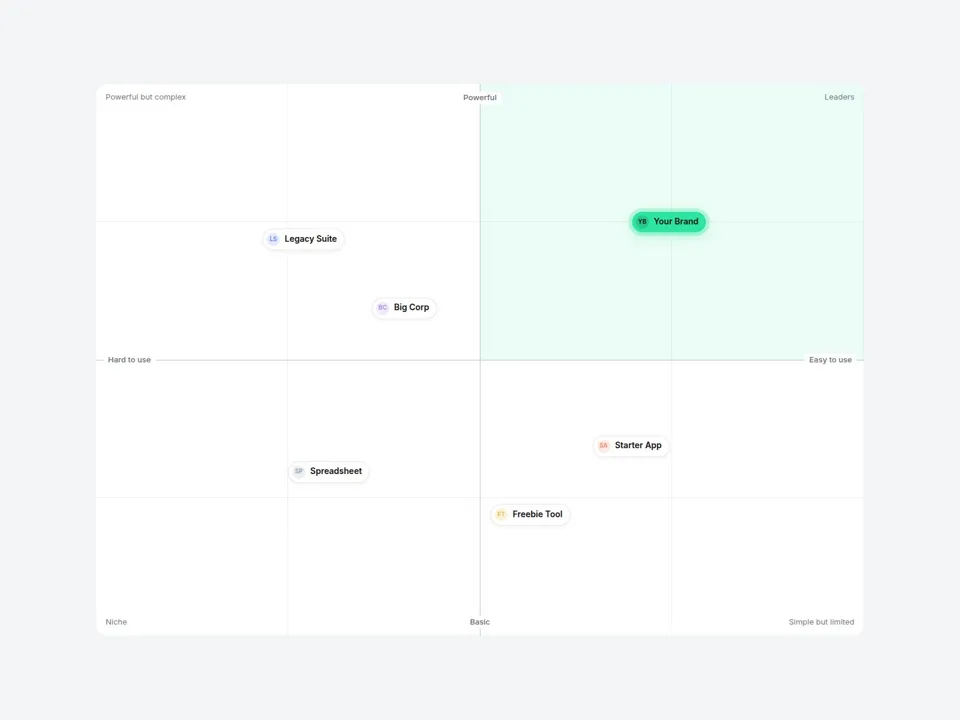
Positioning Map
A 2x2 "us vs them" chart. Give each competitor an X and Y value and let your brand stand out.
View on Marketplace →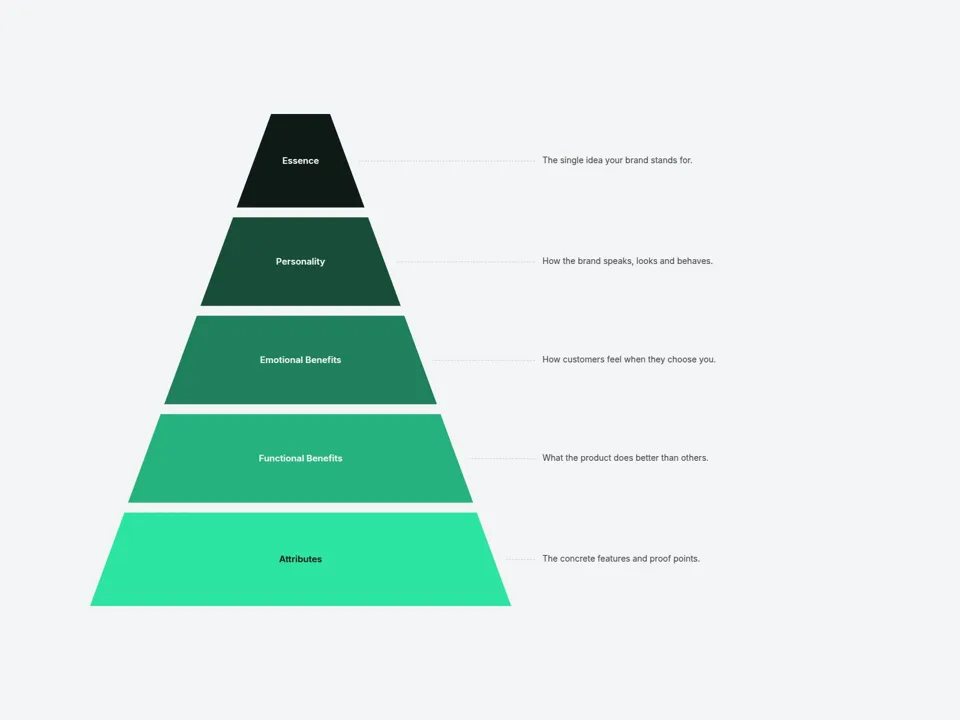
Pyramid Diagram
Brand pyramids, funnels and hierarchies. Pick two colors — every layer and note lands in place.
View on Marketplace →Installed in under a minute
No plugins, no embed scripts. It's a native Framer component.
- STEP 1
Copy the URL
On the Marketplace page, click Copy Component.
- STEP 2
Paste in Framer
Open your project and press Cmd/Ctrl + V on the canvas.
- STEP 3
Edit the panel
Change text, colors and data from the right-hand property controls.
- We usually reply within 72 hours.
- Custom edits are available from $75/hr.
What's included
- Every option in the property panel, as described on each listing
- Updates — click Update on the component, no reinstall
- Help with install and setup by email
What's not
- Unlinking the source code (kept locked so updates keep working)
- Building your whole website — ask us for a quote instead